Everything Elevcam does
A film camera first, a full darkroom second, and private all the way through.
Camera
Pick a film, see it live, shoot.
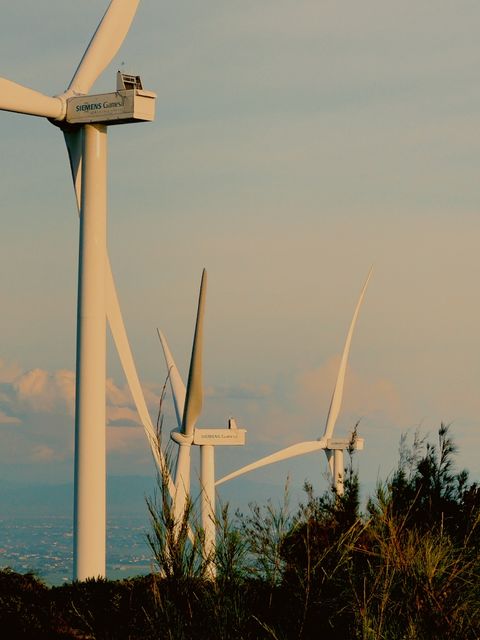
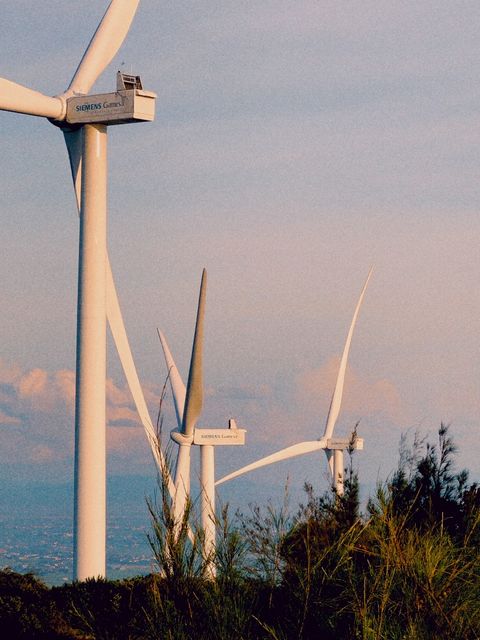
- Live film preview
The film is applied in the viewfinder in real time, including grain, halation and light leaks. - Film chips
A strip of film chips sits over the viewfinder. Swipe to switch films. - Zoom dial
From 0.5× to 15× in one swipe, snapping to lens stops, with haptic ticks. - Scene tips
Tips for scenes like backlight and low light, with film suggestions to match. - Shoot your way
Use the shutter, the volume buttons or Camera Control. - Happy accidents
Occasional random light leaks on photos, like a real camera.
Rolls & library
Shots count like film, and your photos stay yours.
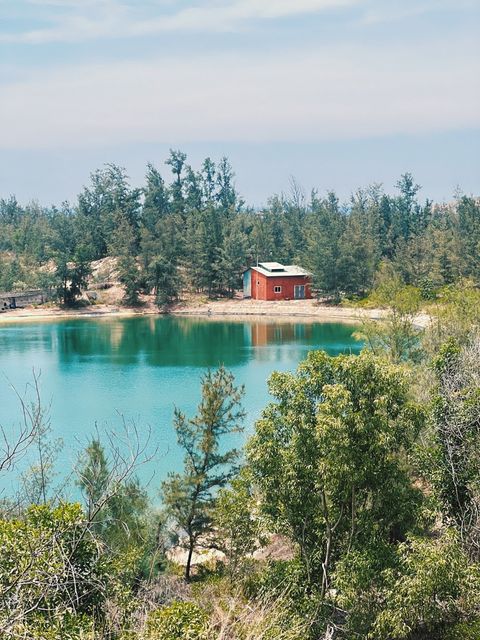
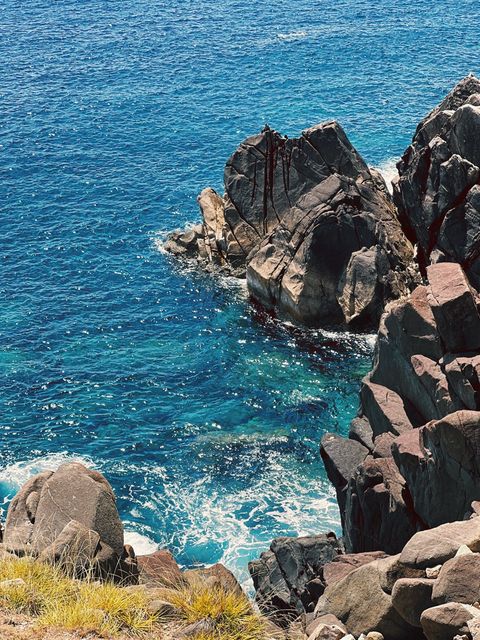
- 24-exposure rolls
Every shot is counted like a roll: Roll #2 · 8/24. Browse your library roll by roll. - Untouched originals
Photos stay in the app exactly as shot. The look sits on top and can be changed at any time. - Recently Deleted
Deleted photos wait 30 days before they're gone for good. - Bring photos in
Import from your library with Apple's picker. Elevcam only sees the photos you choose. - Date stamp
An optional date stamp, if you like the look of it.
Editing
A full darkroom when you want it, and never in the way when you don't.


- Film & strength
Change the film on any photo and choose how strong it is. - Light & colour
Light, colour temperature, and with Pro: HSL, curves and colour grading. - Texture & effects
Grain, halation, prism, dust, light leak, lens blur and skin. - Crop
Crop to the frame you want. - Copy & paste a look
Get one photo right, then paste the look onto many photos at once.
Sharing looks
Your look, as a QR code.

- Recipe Cards
Share any look as a QR code. Anyone with Elevcam scans it and gets the same look. - Only settings, never photos
A shared look contains colour and adjustment settings. No photos, no personal information. - Make your own films (Pro)
Turn your edits into your own films, match a reference photo, or describe a look in words.
Video
Short clips that feel like memories.
- Film-look video
4:3 video at 1440p, 24 or 30 fps, with the film look applied. - Same films
Every film works for video too, so photos and clips from the same day match.
Private & everyday
No account. Nothing uploaded.
- No account, no tracking
Elevcam has no accounts, analytics or ads, and doesn't upload your photos anywhere. - Save in the background
Save to Photos with progress and cancel, and keep shooting while it saves. - English & Vietnamese
Switch languages inside the app. - Light & dark
A light or dark appearance, whichever you prefer.